mockup.best · 3D mockup editor
3D device mockups and app store videos, made in your browser.
Drop in a screenshot, put it on a phone, laptop, tablet or watch, move the camera on a timeline, and export 4K video, 5K stills or a ready-to-upload App Store and Google Play set.
- Free
- No account
- No watermark
- Files never leave your device
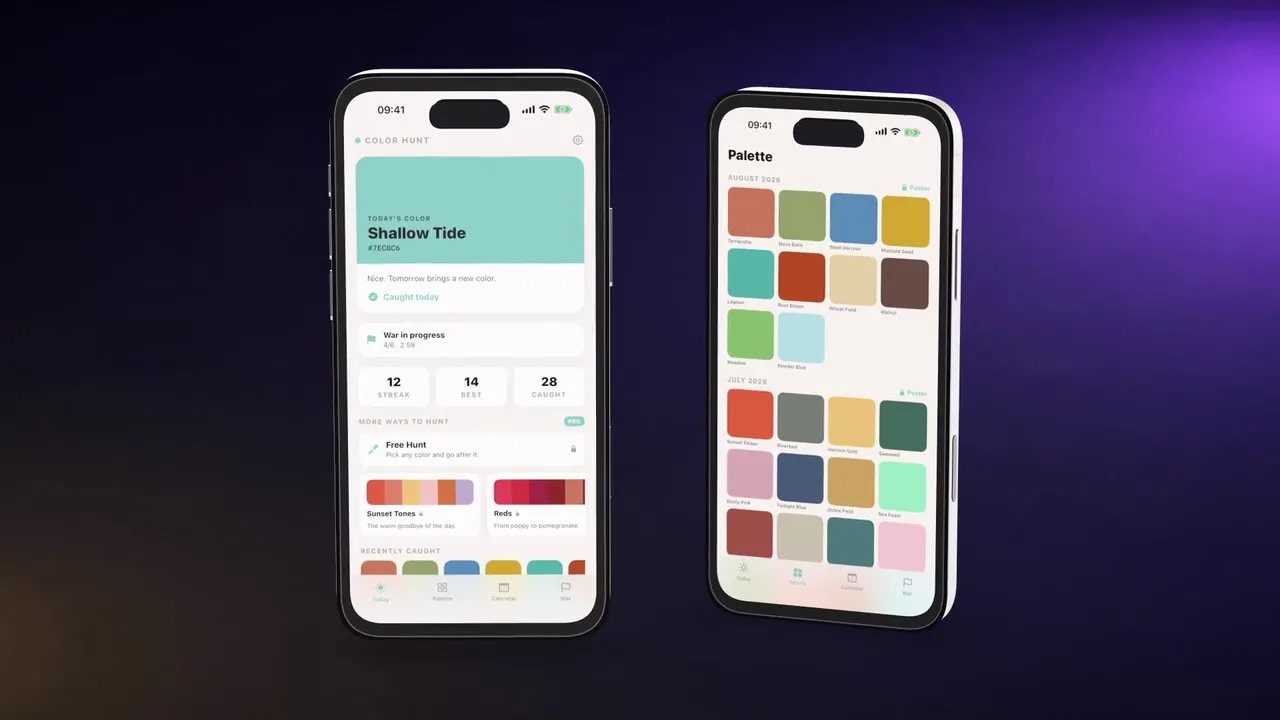
From a screenshot to a finished file in one window.
- 01 Source
Drop a screen
A PNG, JPG or screen recording. It stays in this browser tab.
- 02 Mockup
Pick a device
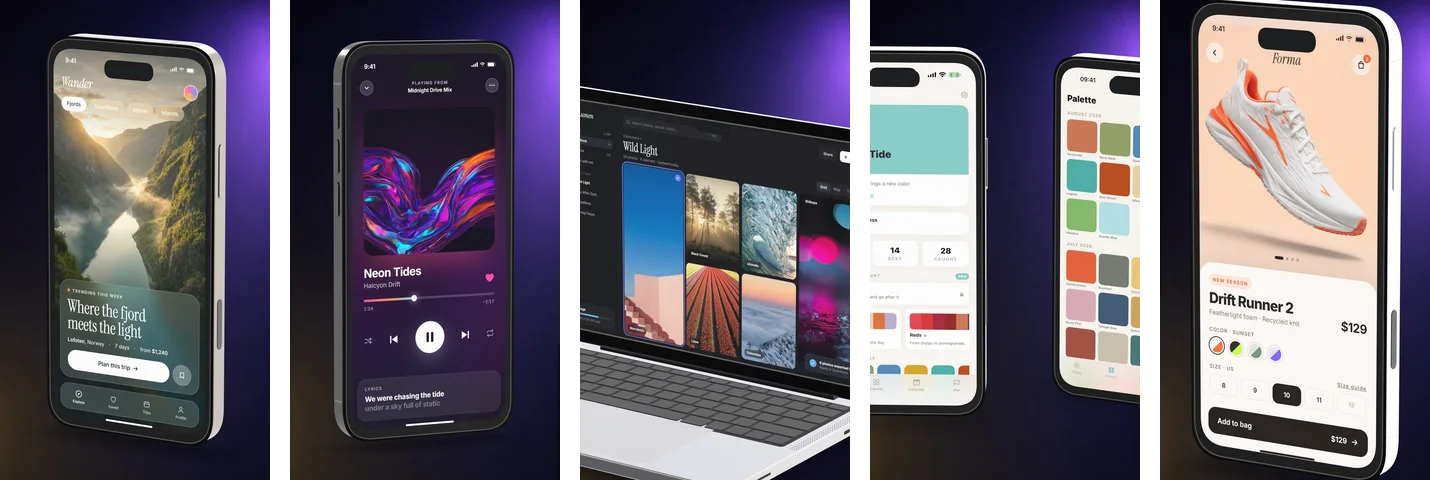
13 devices, 10 finishes, 16 backgrounds — or start from one of 12 templates.
- 03 Camera
Frame or animate
Drag to frame. Add keyframes on a timeline, or apply one of 10 camera moves.
- 04 Export
Take the file
Stills up to 5120 px, MP4 up to 4K at 60 fps, transparent WebM, or a store set.
Every store size, from every scene, in one ZIP.
Store listings ask for a fixed list of sizes, and both stores reject PNGs that carry an alpha channel even when nothing in them is transparent. Mockuptop knows the list. Export one size at a time, or take every scene in every App Store and Google Play size at once: folders named by store and size, files numbered by scene, no alpha channel.
Image sizes
- App Store · iPhone 6.9″
- 1290 × 2796
- App Store · iPad 13″
- 2064 × 2752
- App Store · Mac
- 2880 × 1800
- Google Play · Phone
- 1080 × 1920
- Google Play · Tablet
- 1440 × 2560
- Google Play · Feature graphic
- 1024 × 500
App Store preview videos that pass upload
886 × 1920 for current iPhones and 1200 × 1600 for iPad, locked to 30 fps, H.264 with a stereo AAC track. If your project has no audio, a silent track is added — previews without an audio track are often rejected on upload. Projects outside 15–30 seconds get a warning before you export.
App Store screenshot sizes, without the spreadsheetGoogle Play screenshot sizes and store graphics
What the ZIP contains
mockuptop-store-set.zip
├─ app-store/
│  ├─ iphone-6.9in-1290x2796/   01.png 02.png …
│  ├─ ipad-13in-2064x2752/      01.png 02.png …
│  └─ mac-2880x1800/            01.png 02.png …
└─ google-play/
   ├─ phone-1080x1920/          01.png 02.png …
   ├─ tablet-1440x2560/         01.png 02.png …
   └─ feature-graphic-1024x500.png
A camera you direct, not a template you fill in.

Camera angle, zoom, field of view, blur and light can all carry keyframes, each with its own easing curve. Scenes play back to back with cut, fade or slide transitions, and your audio track is mixed into the export.
10 camera moves
- Scan left to right
- Top to bottom
- Low-angle pan up
- Slow zoom out
- Overhead pan
- Out and back
- Fold up
- Flat truck
- Symmetry glide
- Hero turn
- Auto-motion
- Draw focus areas on the screen; Auto-motion solves a camera path between them and hands it back as editable keyframes.
- Lens blur
- Depth of field from real scene depth. Keyframe the focus point for a rack focus.
- Text behind the device
- Titles can sit behind the phone, with word-by-word, knock and cycle animations.
Devices that read as objects, lit like product photos.
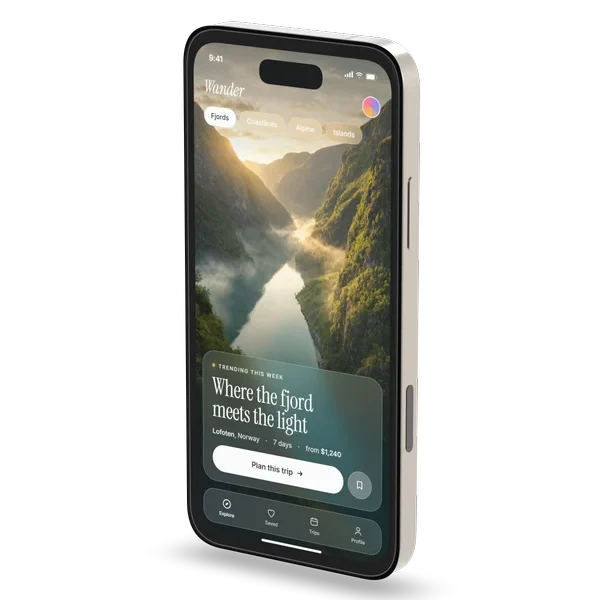
The hardware is modelled, not drawn: real bevels, buttons and camera bumps that catch light from image-based studio lighting. The screen stays your screen — colour-accurate, and it can light the device and floor around it.
- Devices
- 13Phone, Phone Max, Phone Slim, Android, Android Ultra, Tablet, Watch, Laptop, Laptop 16″, Laptop Slim 13″, Display, Display 27″, Flat
- Finishes
- 10Glass: Crystal, Smoke, Amber, Frost · Metal: Black, Silver, Titanium, White · Clay: Clay, Clay Dark
- Layouts
- 6Single, Pair, Trio, Fan, Stack, Row
- Backgrounds
- 16plus your own image, a custom gradient, or two 3D floors
- Effects
- 18Bloom, flare, liquid glass, fish eye, ghost, screen fade, grain, vignette and tone controls
- Laptop screens
- 3Menu bar, dock and browser frame, drawn around your screen
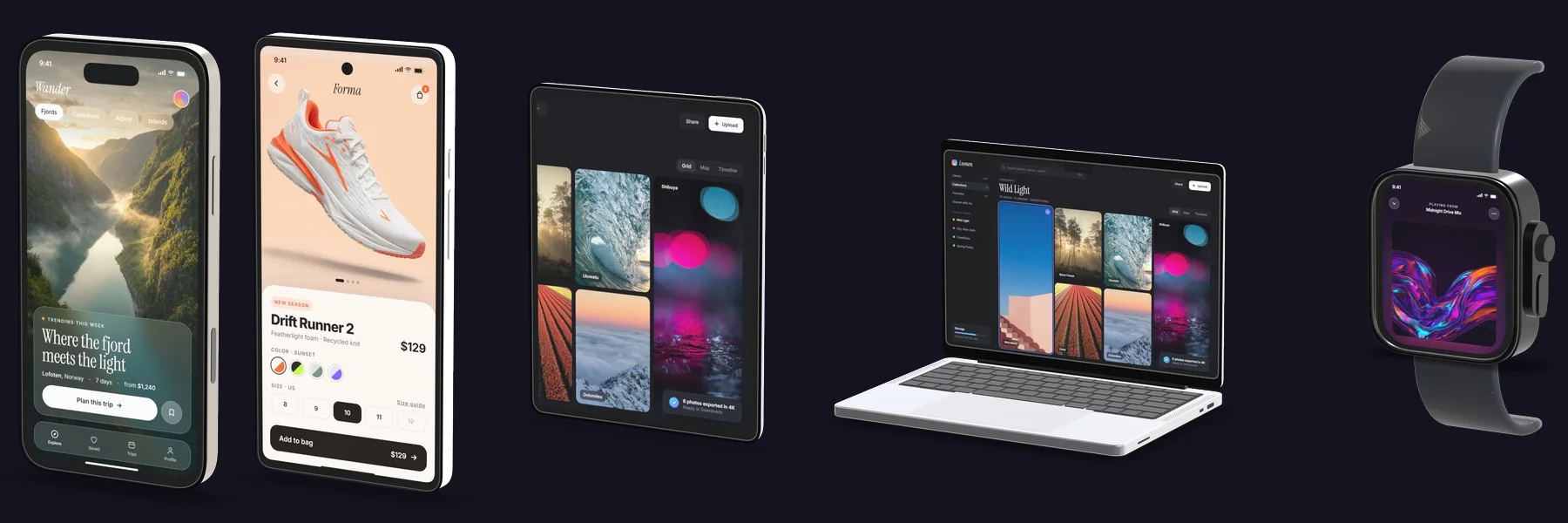
What comes out.
MP4 video renders frame by frame, so a slow machine takes longer but never drops a frame. Every frame is drawn eight times with sub-pixel camera offsets and averaged, which keeps thin edges from shimmering as the camera moves.
| Output | Format | Limits |
|---|---|---|
| Still image | PNG, JPG, WebP | up to 5120 px · PNG and WebP keep transparency |
| Video | MP4 (H.264) | up to 3840 × 2160 · 30 or 60 fps |
| Transparent video | WebM (VP8 with alpha) | drops into editors and web pages without a background |
| Edge quality | 8 jittered samples per pixel | more at High quality, which also renders at twice the size |
| Motion blur | Off, low, medium, high | applied at render time |
| Audio | Your tracks, mixed offline | AAC in the MP4 |
| Store presets | App Store and Google Play | PNG without alpha channel |
| Store set | Every scene × every store size | one ZIP |
Free, with nothing held back.
Every feature is free today: unlimited exports, no watermark, no account. If a paid plan ever arrives, the terms page will say what changes before it does. Terms
- Unlimited exports
- 4K video and 5K stills
- Transparent video
- You keep every right to what you export
How it compares.
| Mockuptop | Popular browser editor (free plan) | Popular Mac app | |
|---|---|---|---|
| Price | Free | Free; paid plan $20/month or $120/year | One-time purchase, three tiers |
| Runs in | Browser | Browser | macOS 11+ app |
| Exports | Unlimited | 3 per 24 hours | — |
| Watermark | No | Yes | — |
| Largest still | 5120 px | 1920 px | Up to 8K, depending on tier |
| Video | Up to 4K, 60 fps | 720p, 30 fps | Up to 8K, depending on tier |
| Transparent video | Yes (WebM) | No | — |
| Device models | 13 | 2 of 18 | 30+ |
Questions people ask first.
Is Mockuptop really free?
Yes. Every feature is free, including 4K video, 5K stills and transparent video. There is no account, no export limit and no watermark.
Are my screenshots uploaded anywhere?
No. Mockuptop renders in your browser with WebGL; your images and recordings never leave your device. A share link carries the scene setup, not your images.
What sizes does it export for the App Store?
Screenshots: iPhone 6.9″ 1290 × 2796, iPad 13″ 2064 × 2752 and Mac 2880 × 1800. Preview videos: 886 × 1920 for iPhone, 1200 × 1600 for iPad and 1920 × 1080 for Mac and Apple TV, at 30 fps with a stereo AAC track.
And for Google Play?
Phone 1080 × 1920, tablet 1440 × 2560 and the 1024 × 500 feature graphic, as PNG or JPG without an alpha channel. 1290 × 2796 is not offered for Play because Play rejects images whose long side is more than twice the short side.
Can I export a mockup video with a transparent background?
Yes, as WebM with an alpha channel, for After Effects, Premiere, Figma or a web page. MP4 cannot carry transparency, so App Store previews always have a background.
Can I animate the camera?
Yes. Set keyframes on a timeline for angle, zoom, field of view, blur and light, apply one of 10 camera moves, or let Auto-motion build a path between areas you mark on the screen.
Which browser should I use?
Mockuptop is built and tested in Chrome and Edge on desktop. It needs WebGL 2, and video export uses WebCodecs. Framing and still exports work on a phone; the timeline needs a desktop-sized screen.
Can I use the exports commercially?
Yes. You keep every right to what you bring in and to what you export; Mockuptop claims no ownership or licence. You are responsible for having the right to use the screens you put in.
Guides for store visuals and mockup video.
Thirty short guides on sizes, framing, light and motion, in eleven languages.
All guides- App Store screenshot sizes, without the spreadsheet
- Google Play screenshot sizes and store graphics
- Your first screenshot is doing most of the work
- How a 20-second app promo is actually built
- Camera angles: five framings that cover almost everything
- Lighting a device mockup so it looks like an object
- Transparent mockups: useful everywhere except app stores
- Using a mockup in a landing page hero
Open it and drop in a screenshot.
Nothing to install, nothing to sign up for. Works best in Chrome or Edge on a desktop.
Open the editor